 Schedule of Classes
 Maps
Maps Canvas
 Directory
 Library
 LancerPoint
 Calendars
 Bookstore
 Student Email
 News & Events
 Police & Safety
 PCC Connect
 Parking
 COVID-19 Info
Orientation
Online Orientation is currently undergoing maintenance and is unavailable from January
28, 2021, through January 31, 2021. Orientation will be back online on February 1,
2021.
Thank you for your patience!
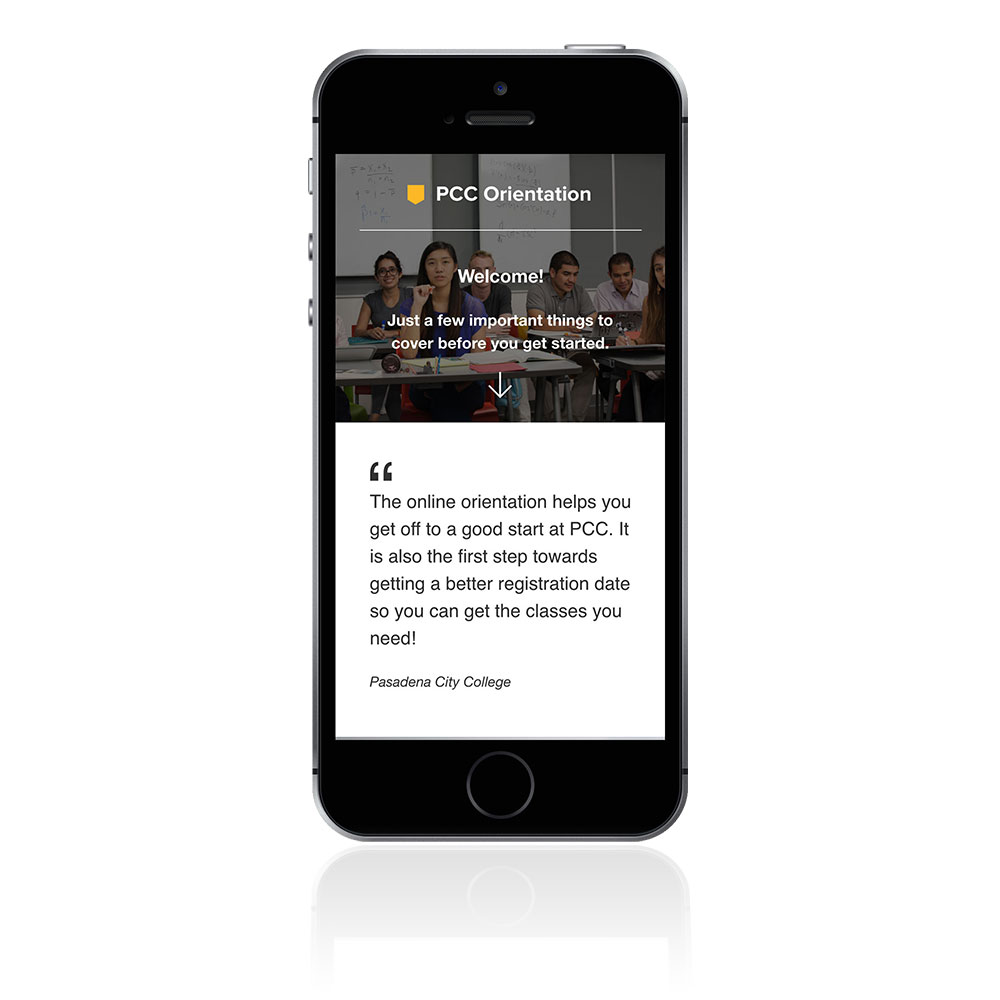
New Student Orientation familiarizes and acquaints you with important college policies, expectations, and the range of services and programs available.
Please complete your online Orientation prior to your New Student Group Counseling.
We will check our system to ensure you have completed the online orientation.
Please note: the online Orientation takes approximately 45 minutes to complete and includes YouTube videos. You can complete the orientation on your smart phone, tablet, laptop or desktop.